2 Installing Julia & Jupyter
Follow the instructions at Install Julia to install
juliaup(for me, all I had to do was enterwinget install --name Julia --id 9NJNWW8PVKMN -e -s msstorein the command line but this will be different for different operating systems)Enter
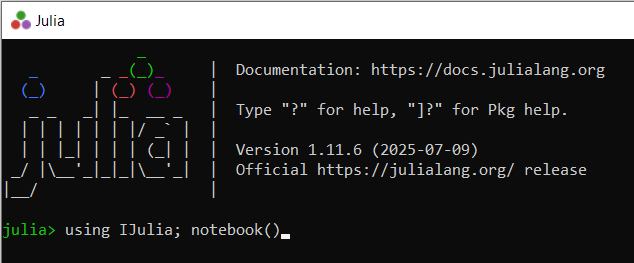
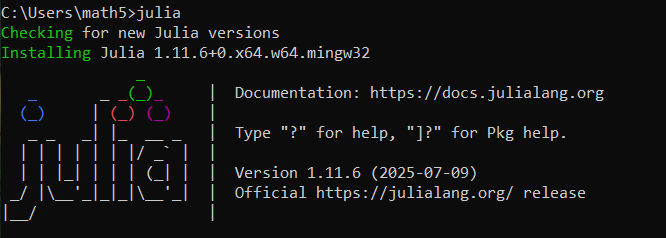
juliain the command line to install and run the most recent version of Julia - after a short wait, you will see this
- Use ] (closing square bracket) to enter package management mode,

- Enter
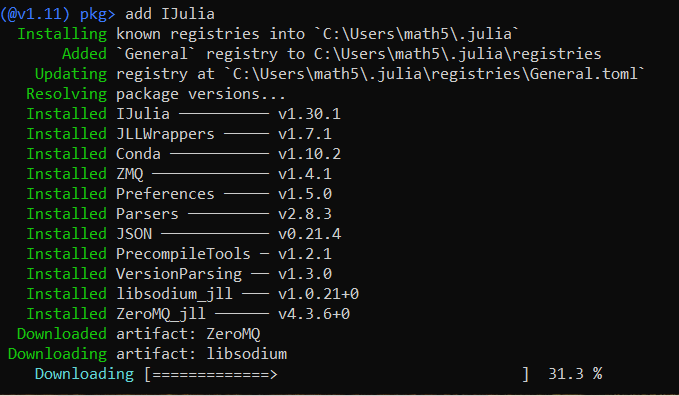
add IJulia(this package will allow you to use Julia in notebooks):
- Do the same with
Plots,PrettyTablesandLaTeXStrings, - Press Backspace,

- Enter
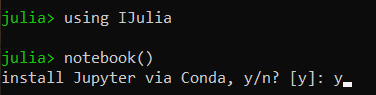
using IJuliaand thennotebook()to download Jupyter notebooks (confirm by enteringy)
- After installation, Jupyter will launch in the browser
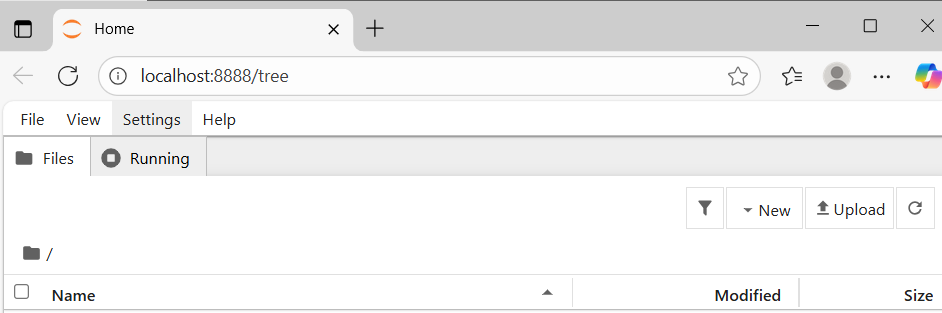
You should then be able to create a new folder for your assignments and add
A1 Jupyter Notebooks, LaTeX & Julia.ipynb(when it becomes available)To open Jupyter next time, just enter using IJulia and then notebook() again: